Generate Figma‑editable static ads through our MCP or API
Plug us into your workflow and get static ads that aren't sloppy and don't hallucinate.
Settings → Connectors → Add custom connector. Name it StaticAds.ai and paste this URL.


Edit specific layers, not whole ads.
With a flat static ad, every change means a new generation, and the product can drift each time. Ours are layered, so you can make focused edits without touching anything else. Try it below.
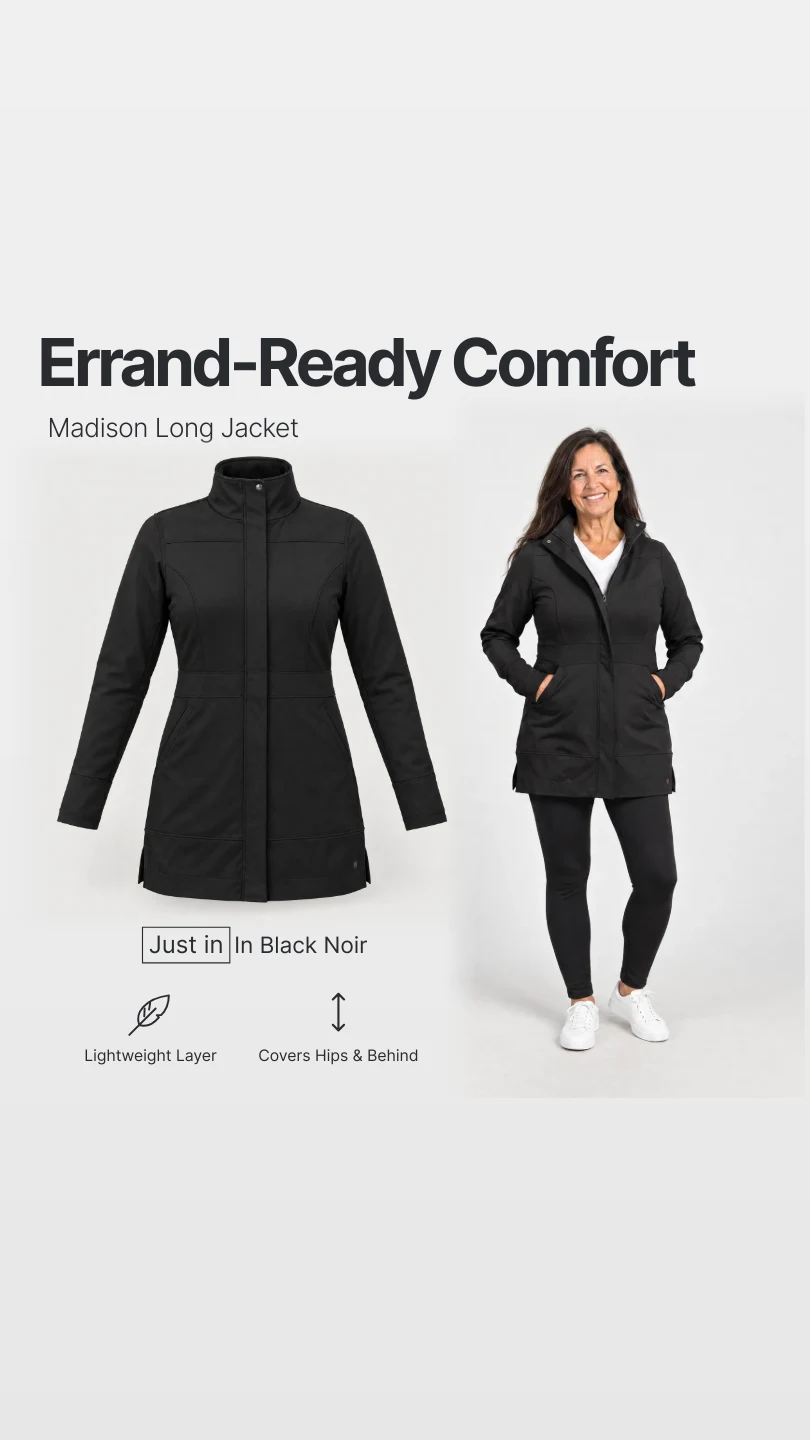
Open this page on a computer to try the live editor.
- Get the Figma plugin
Edit it in Figma
Use our editor, or import any ad into Figma and edit them there.
Edit by hand or with your agent
Use our editor to edit ads yourself, or let your agent edit them over MCP.
Reuse the photography
Generated images come out on their own, with no text or shapes baked into them. Use them in emails, product pages and anywhere else your clients need them (creative teams love this).
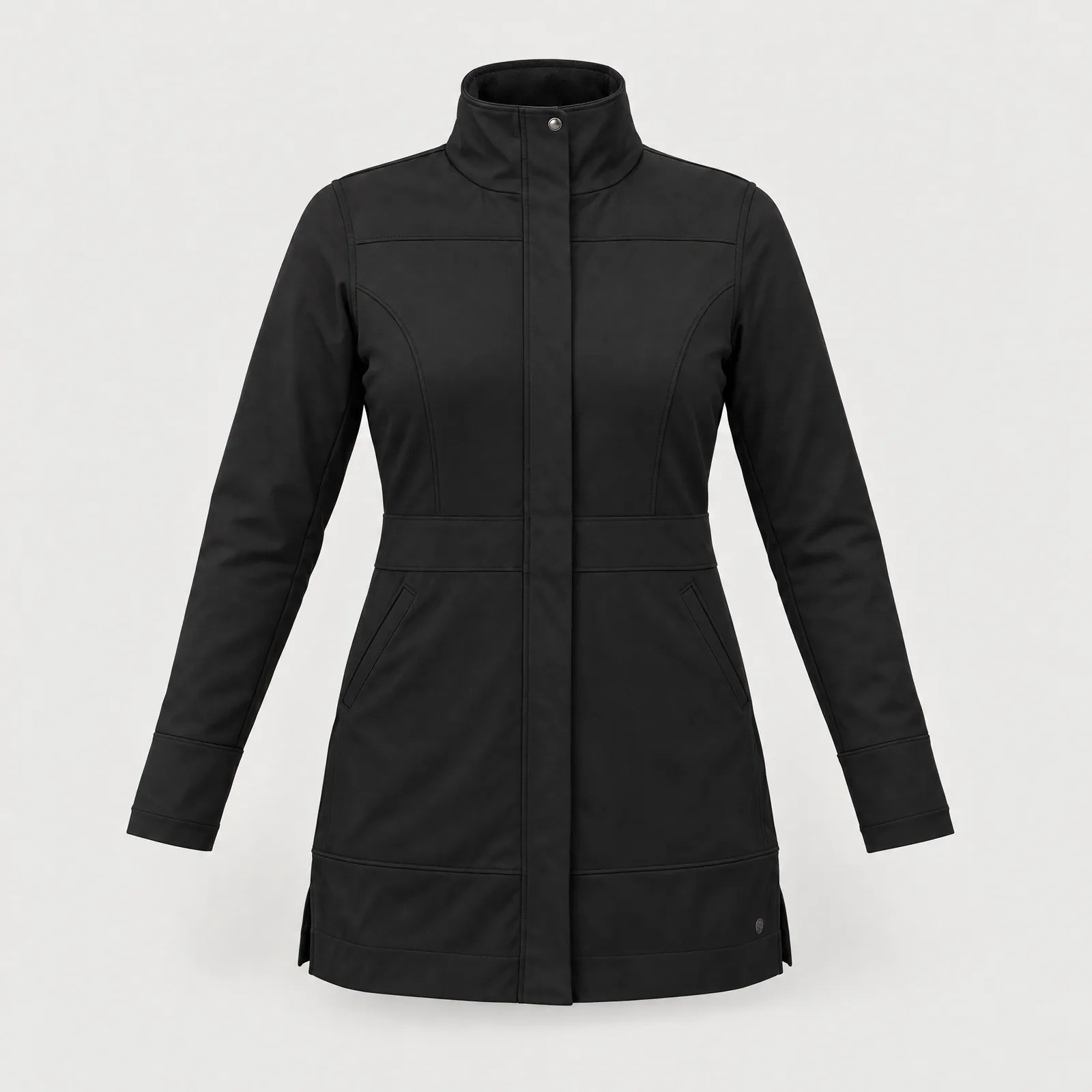
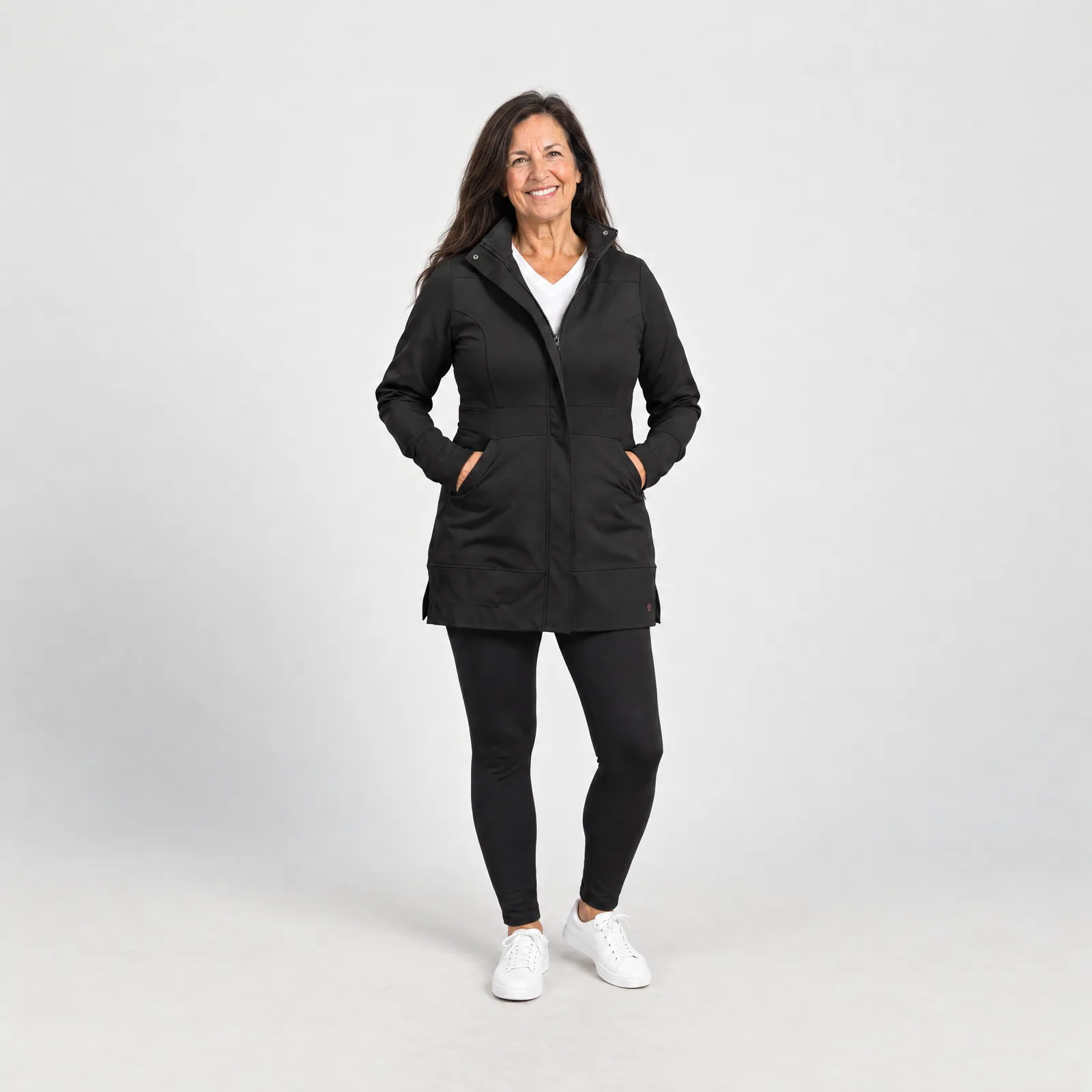
No more maintaining image prompts.
If you've tried managing your own Higgsfield or ChatGPT prompts, you know how painful it is. We obsess over these prompts so you don't have to.
- Product hallucinations in imagesHundreds of hours a month go into keeping product imagery accurate.
- AI sloppy copywritingOur copy model is trained by real copywriters.
- Edge cases across industriesOne MCP, tuned for most Shopify industries.
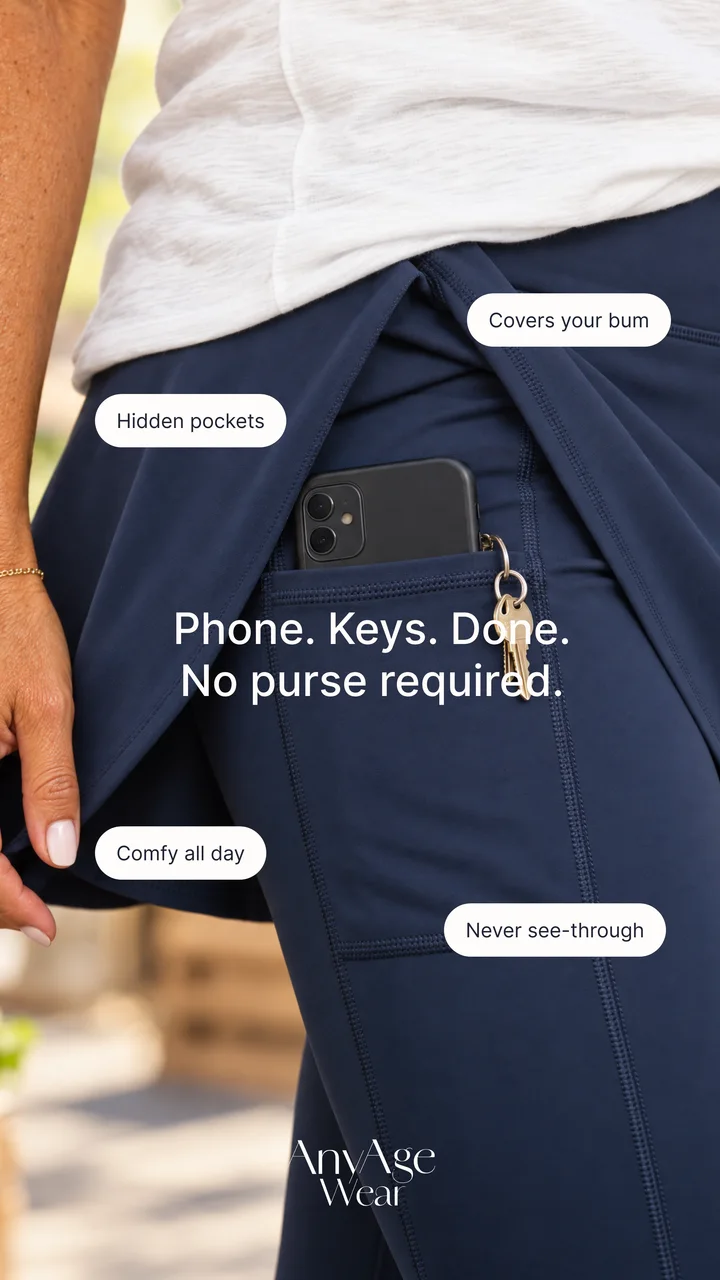





Keep your workflow. Replace one step.
Trying us is really easy. Ask your AI Agent to help integrate us into your workflows and do a test run. Keep all of your existing workflows and automations.
Set it up with your AI agent
Settings → Connectors → Add custom connector. Name it StaticAds.ai and paste this URL.
- ResearchYour research agent
- BriefYour strategist
- Build ads
Prompt an image toolStaticAds.ai - ReviewYour designer
- Send to clientYour client
We're designed for agencies.
One workspace to manage all your brands - each with its own brand kits, products, and ads.
Unlimited brands
Add every client as a brand. Their products, brand kit and ads stay separate, so nothing leaks between clients.
- AAnyAge WearApparel
- SYour swimwear clientSwimwear
- KYour skincare clientSkincare
- Add a brand
Auto-import brand kits & products
Paste a client's store URL. We pull in their products, logo, colors and fonts, so every ad starts on brand.
 24 imported
Review links for clients
Send one link. Clients approve, request changes or comment on each ad.
Bring your own swipe file
Bring in the references you already saved in Foreplay, Notion or anywhere else, then use them for any client.



Already building ads with Claude and Figma MCP? You'll love us.
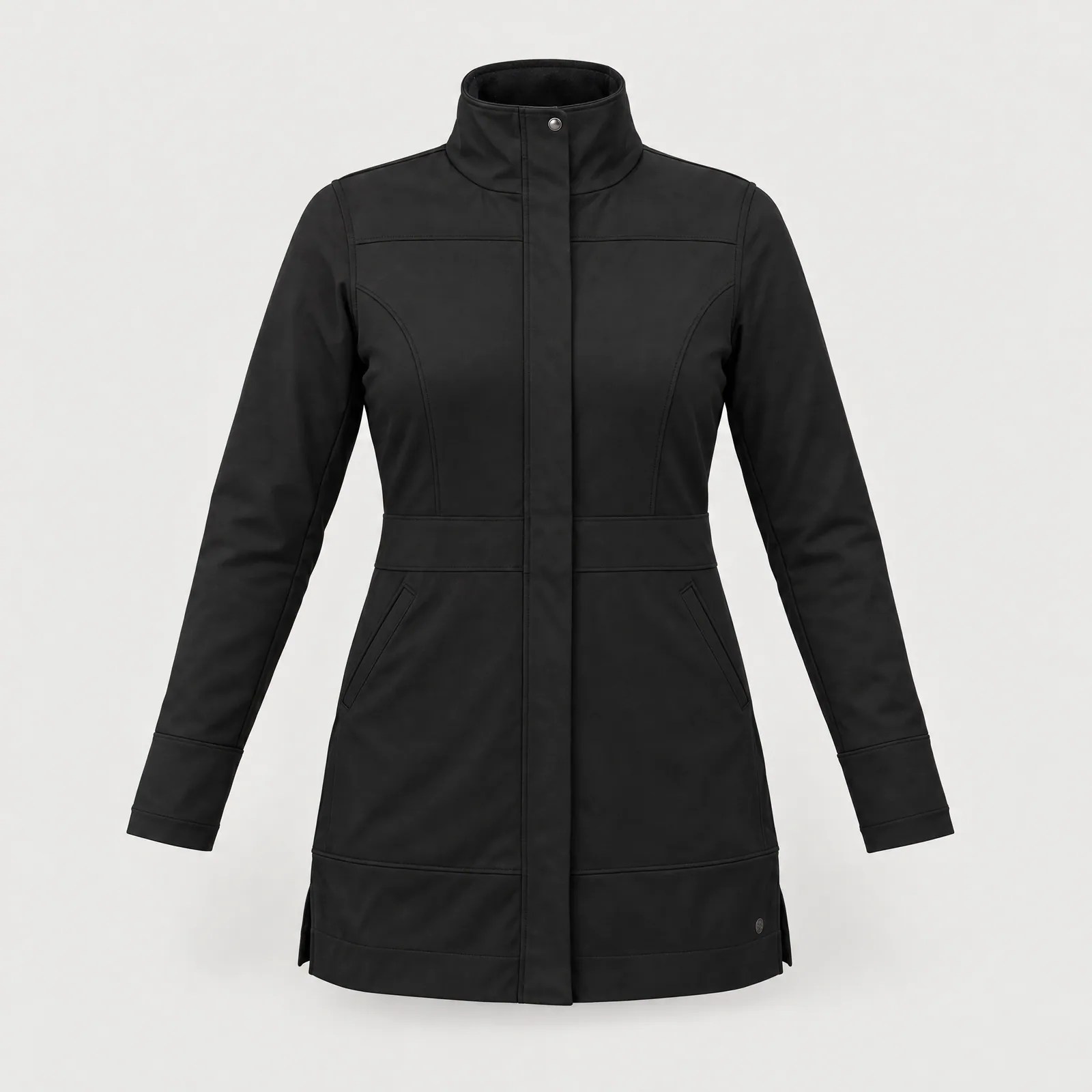
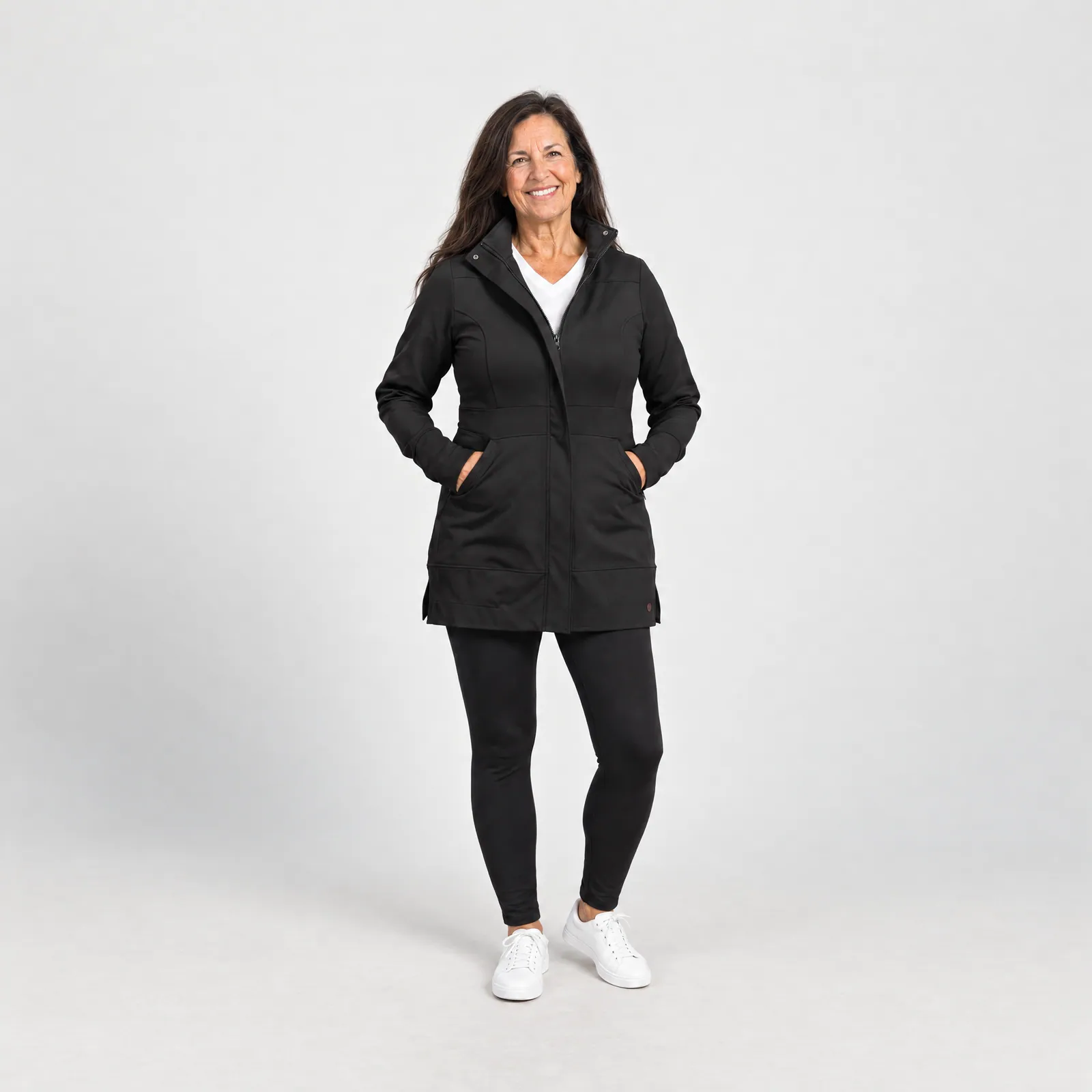
Skip building the layout from scratch. Ask Claude for ads, we build them with your client's product, and you can import them into Figma and start editing with the Figma MCP.
- Claude
Build 6 ads for the Madison jacket from our swipe file.
Calledcreate_adson StaticAds.ai6 ads are ready in your campaign.
Ask ClaudeUse StaticAds.ai right in your Claude chat. - We build the adsOn brand, with your client's real product.
- Layers
- Madison ad
- Headline
- Subhead
- Product image
- Model image
- Badges
- Background
Import into FigmaOur plugin brings in every ad with its layers intact. - Called
Take this ad and create a new version for every product variant.
use_figmaon FigmaBlack NoirErrand-Ready ComfortMadison Long JacketJust in In Black Noir NavyErrand-Ready ComfortMadison Long JacketJust in In Navy
 Sea Blend BlueErrand-Ready ComfortMadison Long JacketJust in In Sea Blend Blue
 Regal PlumErrand-Ready ComfortMadison Long JacketJust in In Regal Plum
 Jade GreenErrand-Ready ComfortMadison Long JacketJust in In Jade Green
 Edit with the Figma MCPMake whatever changes you want to the ads in your Figma.
Editable static ads vs flat static ads
| What you need | Editable static ads | Flat static ads |
|---|---|---|
| The product | Editable static adsYour real product photo, on its own layer | Flat static adsGenerated with the rest of the image, so details drift |
| Text on the ad | Editable static adsReal type in the brand's fonts, always spelled right | Flat static adsRendered into the pixels, sometimes warped or misspelled |
| Changing a headline | Editable static adsEdit the text layer. Nothing else moves | Flat static adsRegenerate the ad and hope the product holds |
| Product variants | Editable static adsSwap in each color's photo. Layout and copy don't change | Flat static adsGenerate each one and hope they match |
| Edit in Figma | Editable static adsOpens with every layer intact | Flat static adsNothing to edit, just one image |
Built by people who run ads for brands.
“I run a small growth agency, and my team works in Figma. Generating editable ads via an MCP makes our workflow a lot more efficient since we can make quick edits, and work inside an environment we're familiar with. No wrangling edit prompts.”

Start at $99/mo
Includes $99 of usage every month. Need lots of ads? Book a demo and ask about volume pricing.
- $99 of included usage every month (~40 new ads)
- Every client as a brand, in one account
- Fully editable ads in Studio or Figma
- API & MCP access for Claude, n8n and your own tools
- Direct Slack support from the co-founders
- Start for free
- No credit card required
- Cancel anytime
Your monthly bill
$99/moWe have a usage-based pricing model. Here's what each action costs:
When included usage runs out, you draw on Credits at the same rates. Credits never expire.
You can cancel your plan anytime from your Settings page.
Ready to streamline your workflows even more?
- Start for free
- No credit card required
- Cancel anytime